
Elements Settings
Element modifications are separated into two sections: Builder and Editor.
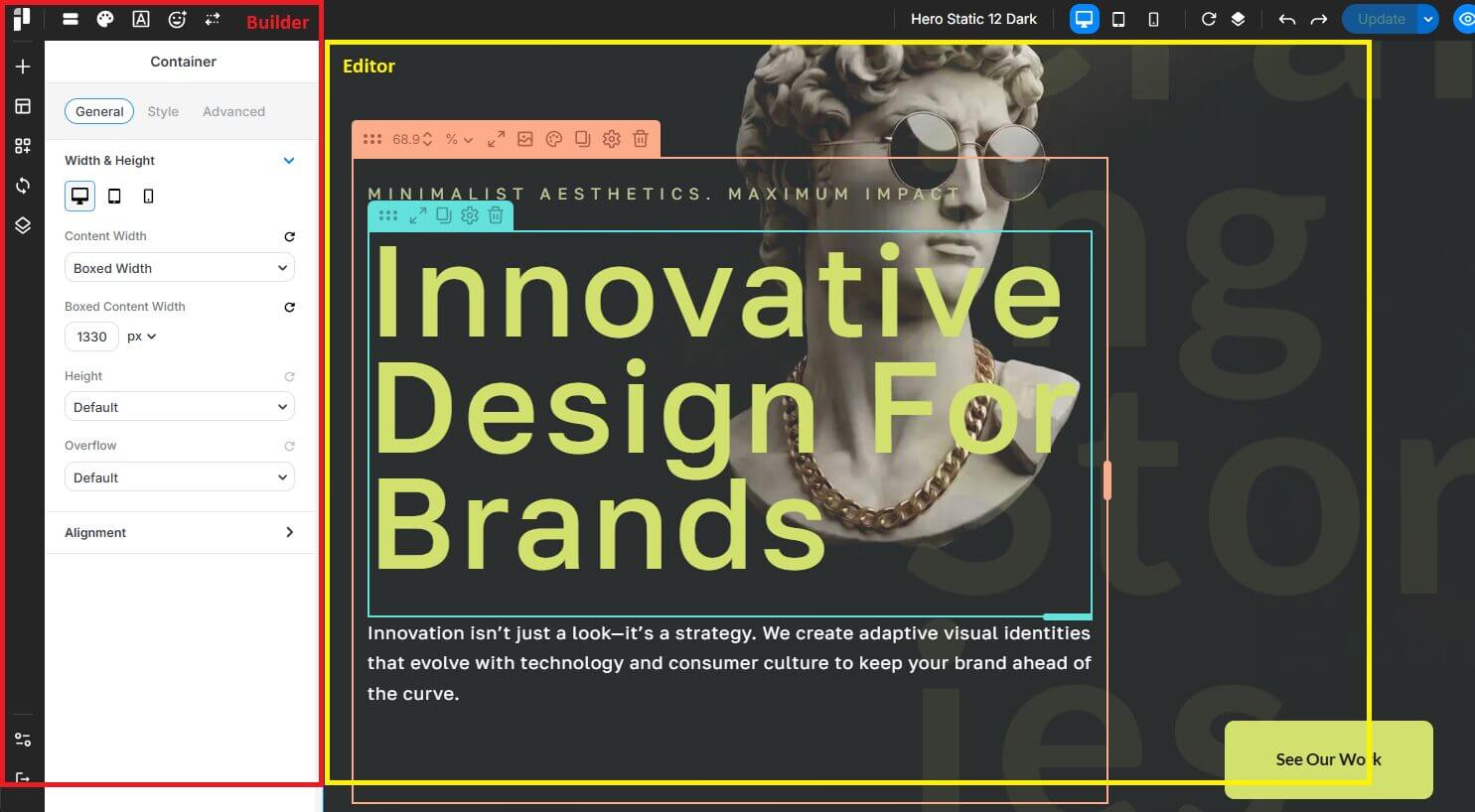
Builder is the control area where you can select elements and edit their settings.
Editor is the area where you edit and visualize the item you want to display.
Add Configurable Options
After creating your custom item, you can add configurable options by hooking your scripts into the builder area using pixe_enqueue_builder_scripts action.
Then, follow the Builder Script tutorial here.