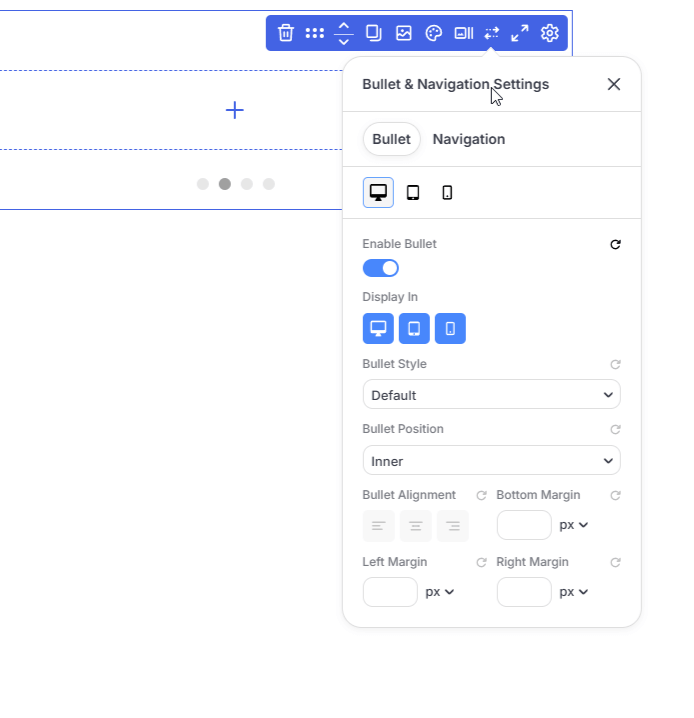
Bullet Presets allow you to design and save custom pagination markers that can be reused across your website.
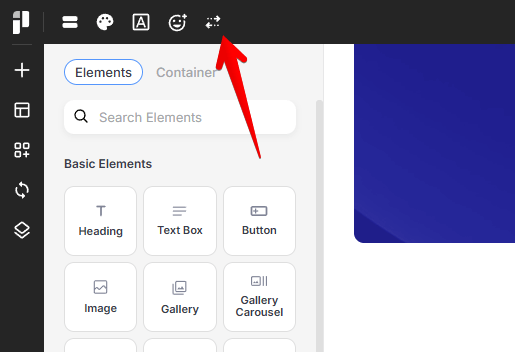
The Bullet Preset manager can be accessed from the left corner of the top bar:
Selecting or Creating Styles
You can choose from a library of built-in presets or build your own from scratch.
-
Built-in Presets: Choose from classic shapes like Circle, Small Circle, Circle Line, Cylinder, or Line.
-
Creating a New Preset:
1. At the bottom of the Bullet Manager, locate the Create a new preset section.
2. Enter a unique name in the Preset name... field.
3. Click the Create button.
Your new preset will now appear in the list for further customization.
Design and Appearance
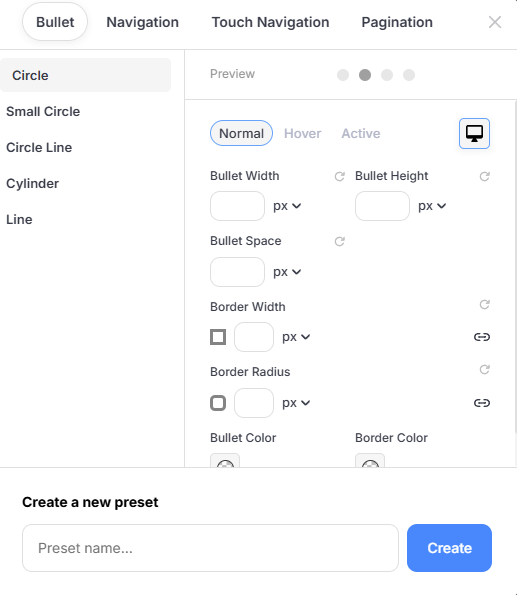
Once a preset is selected, you can fine-tune its appearance for different states and devices.
State Selection
You can define how your bullets look during different interactions:
-
Normal: The default appearance.
-
Hover: How the bullet looks when a user moves their mouse over it.
-
Active: The style for the bullet representing the currently selected item or page.
Bullet Dimensions & Spacing
-
Bullet Width & Height: Set specific dimensions in pixels (px).
-
Bullet Space: Control the distance between individual bullets to improve legibility and touch-targets.
Borders and Radius
-
Border Width: Add a border to your bullets.
-
Border Radius: Soften the edges of your bullets. Set this to a high value (e.g., 50px) to create perfectly round circles, or 0px for sharp squares.
Colors
-
Bullet Color: Select the primary fill color for the bullet.
-
Border Color: Set the color of the bullet's outline.
Responsive Design (Desktop vs. Mobile)
PixeBuilder allows you to optimize your bullet styles for different screen sizes. Use the Device Toggle (Computer/Phone icon) in the top right of the settings panel to switch between views:
-
Desktop View: Ideal for precise, smaller bullets used with mouse navigation.
-
Mobile View: Adjust the Bullet Width, Height, and Space to create larger, "finger-friendly" touch targets for mobile users.
Using Bullets
Bullets can be enabled in the Slider Container, Gallery Carousel, Carousel Container, and Post List modules: