Important Notes for Icons & SVG Uploads
- Custom Icon Formats: You can choose between default library icons or upload your own SVG files for custom navigation.
- Built-in SVG Support: While WordPress disables SVG uploads by default for security reasons, PixeBuilder includes a built-in feature to enable this capability.
- Enable SVG Uploads: To use your own icons, go to PixeBuilder > General > Security and check the Enable SVG Uploads box.
- Security Recommendation: To maintain site security, we strongly recommend disabling this setting immediately after you have finished uploading your SVG files.
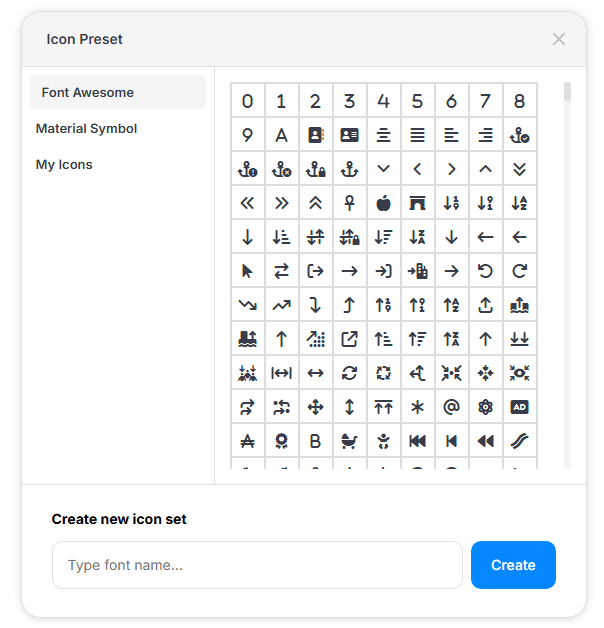
Icon Preset allows you to manage and use icons throughout your site easily.
Available Options:
-
Font Awesome (Free version)
-
Material Symbol
-
Custom Icons — Upload your own SVG or PNG icons.
You can create a new icon set in Type font name field from Create new icon set and clicking Create, then upload your custom icons to use across your design.