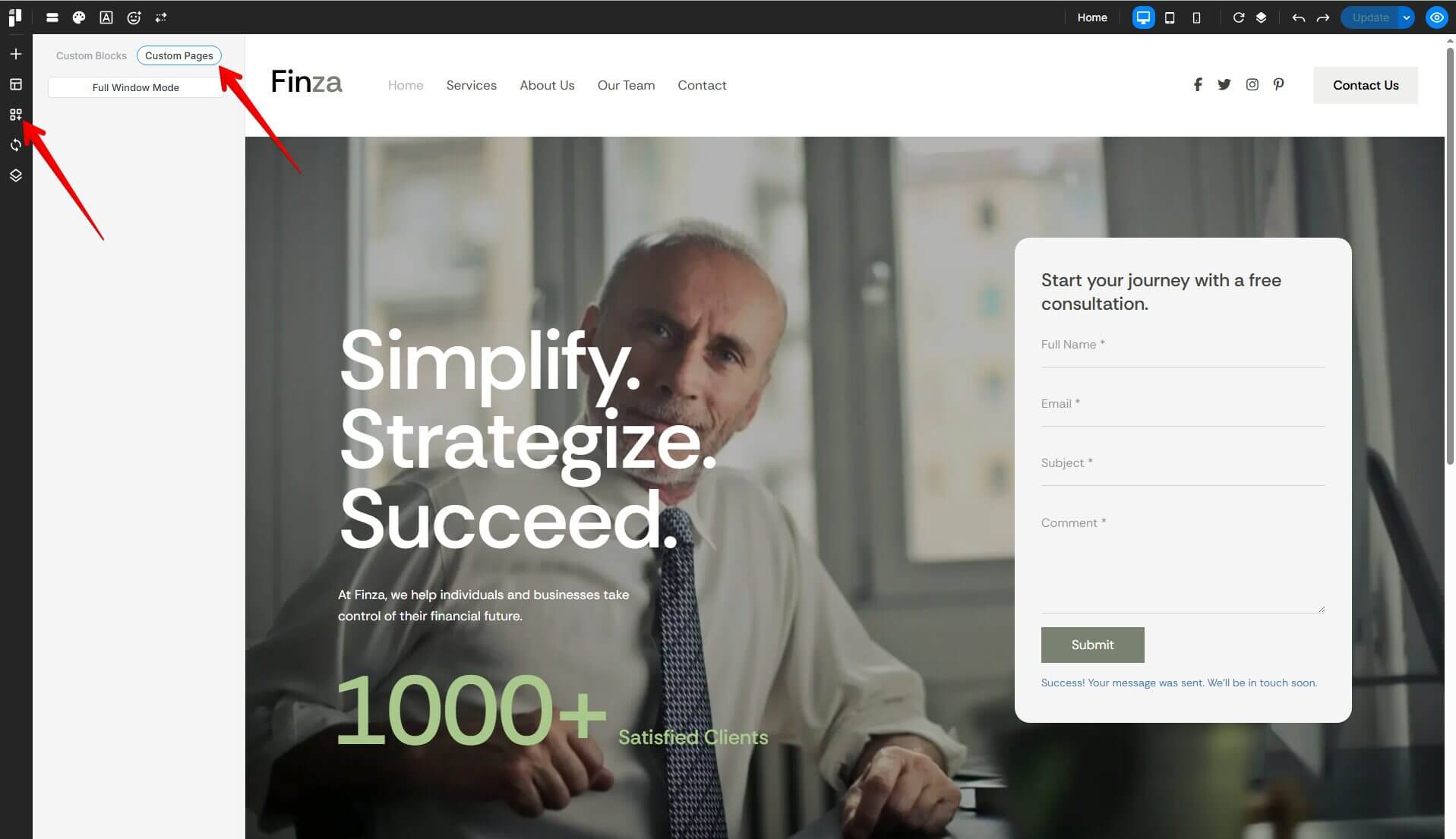
A Custom Page is a user-created page in Pixe Builder that allows you to design your own layout and content instead of using Prebuilt Pages.
Custom Pages are commonly used to create and reuse unique designs (such as Home pages, Menu pages, or other special layouts), helping maintain consistency and reduce repetitive work across your site.
Create Custom Page
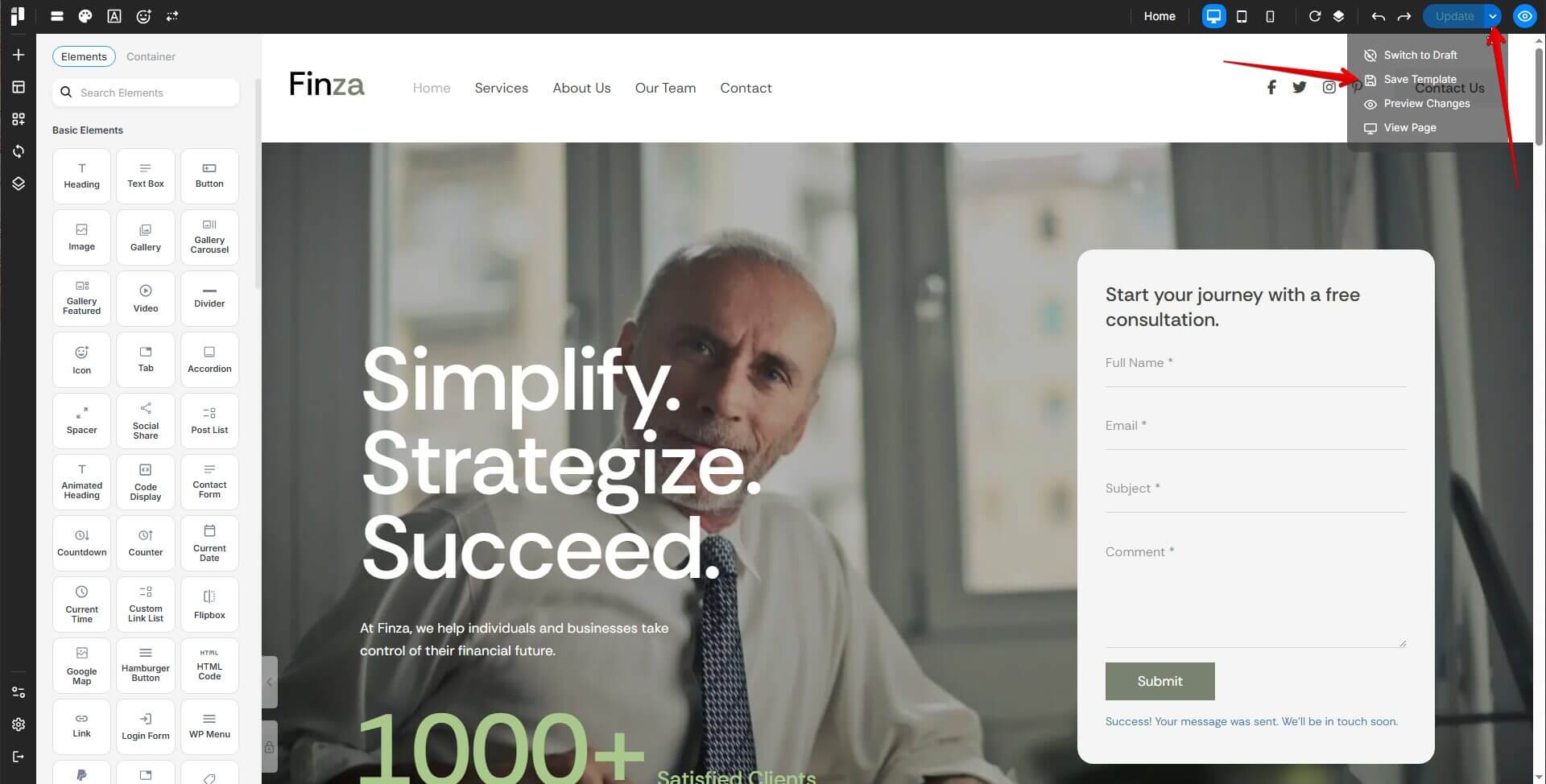
Here are a few simple steps to create a custom pages:
1. Go to a page
2. Click to Edit with Pixe Builder
3.Click to Arrow next the Update button
4. Click to Save Template
Use Custom Page
To apply a custom page on a page:
1. Create a new Custom Pages
2. Click "Edit with PixeBuilder"
3. Open the "Custom Pages" section
4. Choose and add the desired custom page template to your page
Re-check the layout and make adjustments as needed to fit your design